
QR codes have become part of everyday life.
We scan them to pay for parking, view restaurant menus, download tickets, open travel information and make payments. They are fast, convenient and so common that most of us rarely stop to question them.
That trust is exactly what scammers are counting on.
In September 2026, the Federal Trade Commission warned consumers about criminals placing fraudulent QR-code stickers over legitimate codes on parking meters. A driver believes they are paying for parking, but the code sends them to a fake website designed to collect credit-card details, passwords or other personal information.
The scam works because a QR code hides its destination. We cannot look at the pattern of black and white squares and know where it leads. By the time a convincing payment page appears, many people are already focused on completing the transaction and getting on with their day.
That is why one small habit matters: pause, preview and verify before you scan.
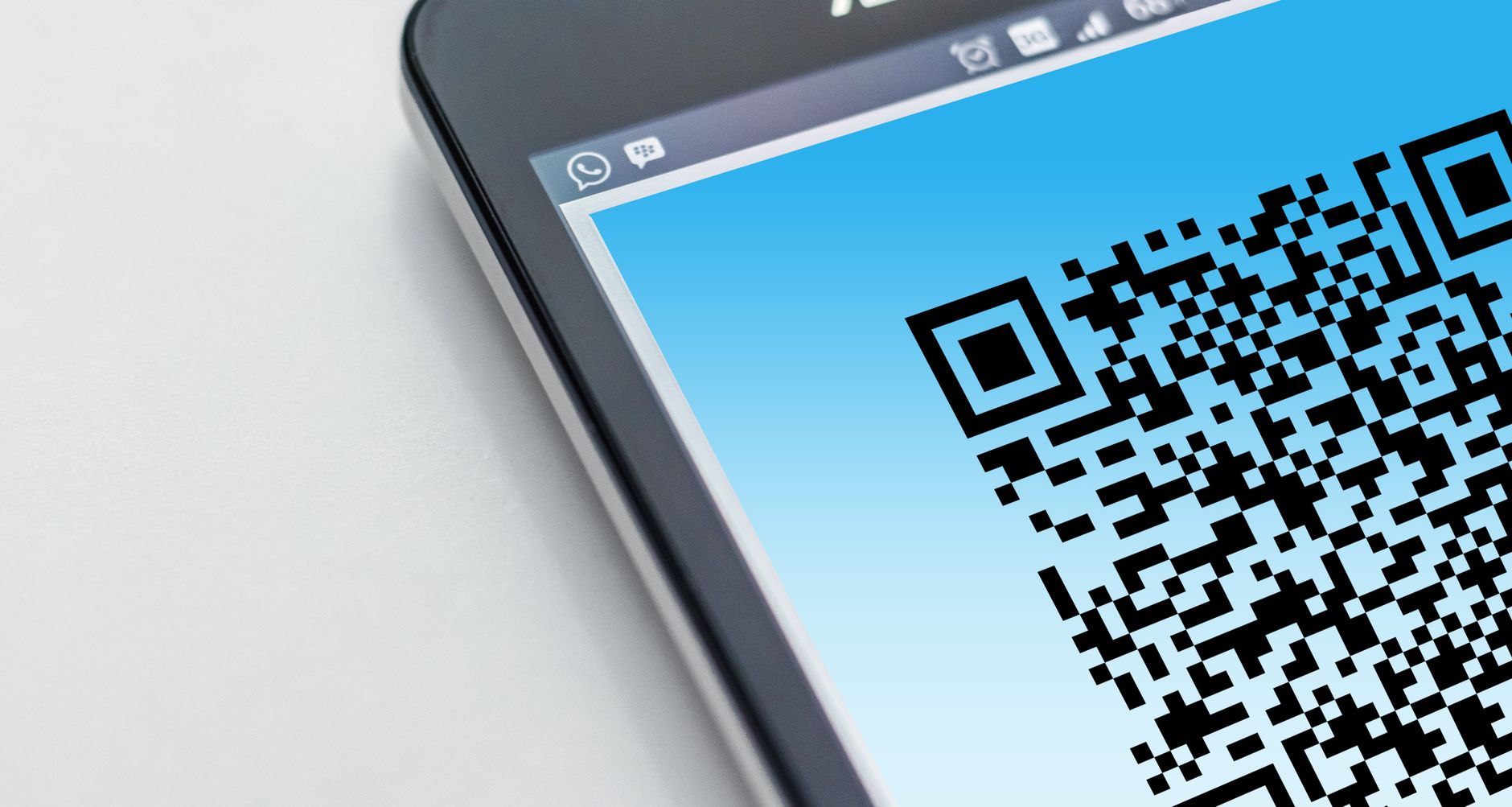
Why Fake QR Codes Are So Convincing
Traditional phishing messages often contain warning signs. The sender may use poor grammar, an unfamiliar email address or a suspicious-looking link.
A QR code removes many of those clues.
When a code appears on a parking meter, restaurant table, package, flyer or public sign, we tend to trust the location. We assume the business, city or organization placed it there. A fraudulent sticker can look professional enough to avoid a second glance.
Scammers also benefit from urgency. You may be trying to avoid a parking ticket, check into an event, claim a discount or confirm a delivery. When we feel rushed, we are less likely to inspect the destination carefully.
The fake website may then copy the colors, logo and general appearance of the legitimate service. It may ask for a card number, email address, password or payment-app login. Once that information is submitted, it can be used for unauthorized purchases, account takeovers or additional scams.
This does not mean every QR code is dangerous. It means a QR code should be treated like any other link: verify where it leads before trusting it.

The Five-Second Check Before You Scan
Before scanning a public QR code, take a few seconds to look at both the physical code and the digital destination.
1. Inspect the surface
Look for a sticker placed over another code, unusual edges, peeling material or signs that the surface has been altered. On a parking meter or public kiosk, a code that looks newly attached or out of place deserves extra caution.
2. Preview the address
Most modern phones display the destination before opening it. Read that preview instead of tapping immediately.
Look for misspellings, substituted letters, extra words or unfamiliar domain names. A scammer may replace a letter with a similar-looking character or add the real company’s name somewhere inside a completely different address.
3. Use the official app or website
If a city, parking company, restaurant or retailer has an official app, open it directly. You can also type the known website address into your browser rather than relying on the QR code.
For parking payments, check the meter or nearby signage for the name of the authorized service. If the code and the listed provider do not match, do not continue.
4. Question unexpected requests
Be especially cautious if a page asks for information that does not make sense for the transaction. A menu should not require your email password. A parking payment should not need your Social Security number. A package-tracking page should not demand access to your banking account.
If the request feels excessive, close the page.
5. Slow down when pressure appears
A suspicious page may warn that time is running out, your account will be closed or a penalty will increase unless you act immediately. Urgency is a common scam tactic.
Take a beat. A legitimate organization will allow you to verify the request through its official contact information.
Protect the Accounts Behind the Code
Avoiding a fraudulent link is the first layer of protection. Strengthening your accounts provides another.
The Cybersecurity and Infrastructure Security Agency recommends several basic security habits during Cybersecurity Awareness Month and throughout the year:
- Use strong, unique passwords for important accounts.
- Store those passwords in a reputable password manager.
- Turn on multifactor authentication whenever it is available.
- Keep your phone, browser and apps updated.
- Recognize and report phishing attempts.
These steps matter because stolen credentials can create a chain reaction. If the same password protects your email, bank and social-media accounts, one successful phishing attempt may expose several parts of your life.
Email deserves particular protection because it is often used to reset passwords for other services. A unique email password and multifactor authentication can make it harder for someone with a stolen password to take control.
Bank and credit-card alerts are also useful. Turning on notifications for purchases, transfers and login attempts may help you notice suspicious activity sooner.
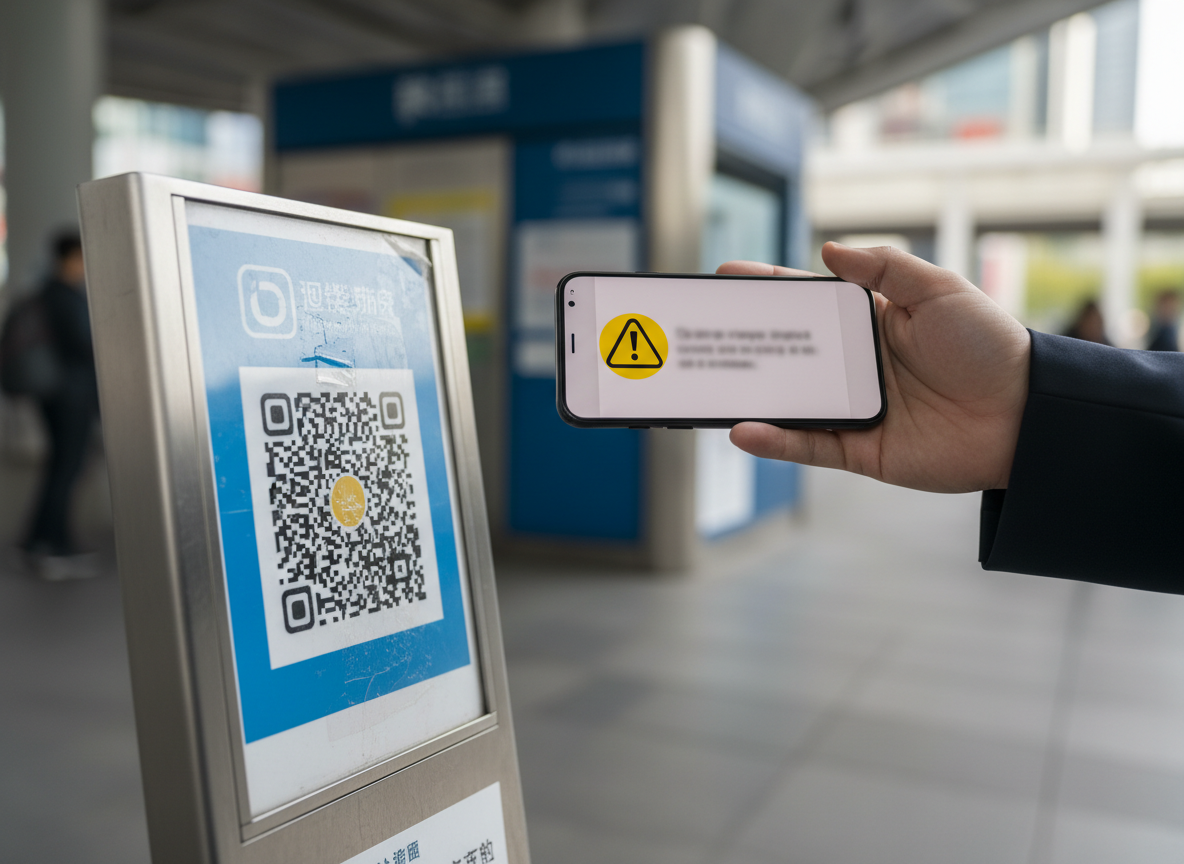
What If You Already Scanned a Suspicious Code?
First, do not panic.
Scanning a QR code does not automatically mean your phone has been infected or your financial information has been stolen. The level of risk depends on what happened next.
If you scanned the code but did not open the destination, download anything or enter information, your exposure may be limited. Close the preview and move on.
If you opened the page, stop interacting with it. Do not call a number displayed on the suspicious page, respond to follow-up messages or continue a payment.
If you entered a username and password:
- Change the password immediately through the service’s official app or website.
- Change it anywhere else you reused it.
- Enable multifactor authentication.
- Review the account for unfamiliar activity.
If you entered payment information:
- Contact the bank or card issuer using the number on the back of the card or its official app.
- Explain that the information may have been entered on a fraudulent website.
- Review recent transactions and follow the institution’s fraud instructions.
- Continue monitoring the account for charges you do not recognize.
If the page caused you to download an unfamiliar app or file, remove it if you can do so safely, update the device and use the security tools recommended by the phone or operating-system provider. Seek qualified technical assistance if the device begins behaving unusually or if you are uncertain what was installed.
You can report suspected fraud to the FTC at ReportFraud.ftc.gov.
Protect Your Family, Too
Digital safety is not only an individual responsibility. A short conversation with a spouse, parent, child or friend may prevent a costly mistake.
Show them how to preview a QR destination before opening it. Explain why a code attached to a familiar object is not automatic proof that the destination is legitimate. Encourage family members to call one another before responding to an alarming or unusual payment request.
This is especially important because modern scams often combine several tactics. A fraudulent QR code may lead to a fake payment site, which may be followed by a phone call from someone pretending to represent the bank or business. The story becomes more convincing with each step.
Breaking that momentum is powerful. Stop, close the page and independently contact the real organization.

Safety Protects Wealth
At Health to Wealth Ventures, I often write about building wealth through disciplined saving, investing and informed financial decisions. But protecting what we have already built is equally important.
A strong investment return can take months or years to earn. A rushed decision on a fraudulent payment page can create damage in minutes.
Cybersecurity does not require living in fear of technology. QR codes remain useful tools, and most legitimate codes will lead exactly where they promise. The goal is simply to replace automatic trust with a brief verification habit.
Before you scan, remember three words:
Pause. Preview. Verify.
That five-second decision may protect your identity, your accounts and the wealth you have worked hard to build.
Progress is not always about making more money. Sometimes one step forward means preventing one avoidable loss.
Disclaimer: This article is for general educational and informational purposes only. It does not constitute individualized financial, legal or cybersecurity advice. Threats and account-recovery procedures vary. Contact your financial institution, device provider or a qualified cybersecurity professional for guidance related to a specific incident.
Sources
- Federal Trade Commission: See a QR code parked somewhere? Don’t scan it…yet!
- Federal Trade Commission: How to Recognize and Avoid Phishing Scams
- Cybersecurity and Infrastructure Security Agency: Cybersecurity Awareness Month
- Cybersecurity and Infrastructure Security Agency: Secure Our World
- Federal Trade Commission: Report Fraud
About the Author
David Dandaneau, MBA, is a client relations analyst covering the insurance and financial-services industry. Through Health to Wealth Ventures, he writes about health, personal finance, investing and practical ways to protect the life and wealth people work hard to build.


